HTML igre
6. Ugradnja slike u igru
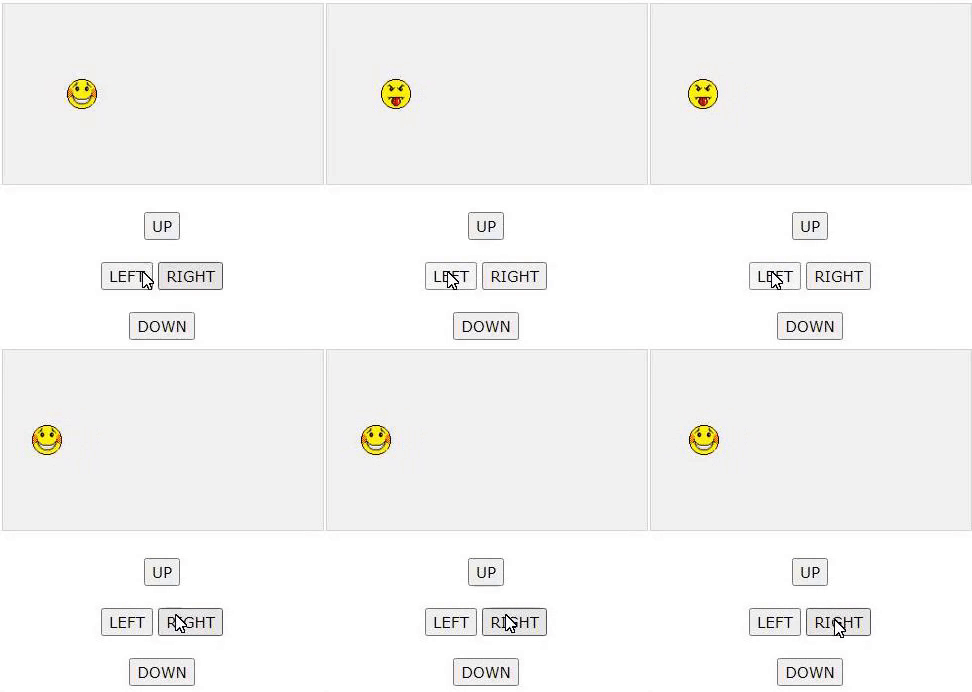
Za dodavanje slika na platno objekt getContext (“2d”) ima ugrađena svojstva za ugradnju slika. Umjesto boje i oblika našeg lika, upisujemo url slike koju želimo ubaciti u igru.
function startGame() {
myGamePiece = new component(30, 30, “smiley.gif”, 10, 120, “image”);
myGameArea.start();
}
U konstruktoru komponenata testiramo je li komponenta tipa “image” i kreiramo objekt slike pomoću ugrađenog konstruktora objekta “new Image ()”. Kada smo spremni za crtanje slike, koristimo metodu drawImage umjesto metode fillRect.
function component(width, height, color, x, y, type) { this.type = type; Primjer:
if (type == “image”) {
this.image = new Image();
this.image.src = color;
}
this.width = width;
this.height = height;
this.speedX = 0;
this.speedY = 0;
this.x = x;
this.y = y;
this.update = function() {
ctx = myGameArea.context;
if (type == “image”) {
ctx.drawImage(this.image,
this.x,
this.y,
this.width, this.height);
} else {
ctx.fillStyle = color;
ctx.fillRect(this.x, this.y, this.width, this.height);
}
}
}